The Complete Math Toolkit: Every Calculator You Need for School and Work in 2026
Algebra, geometry, calculus, trigonometry — the complete math calculator toolkit for students, teachers, and professionals who need exact answers fast.

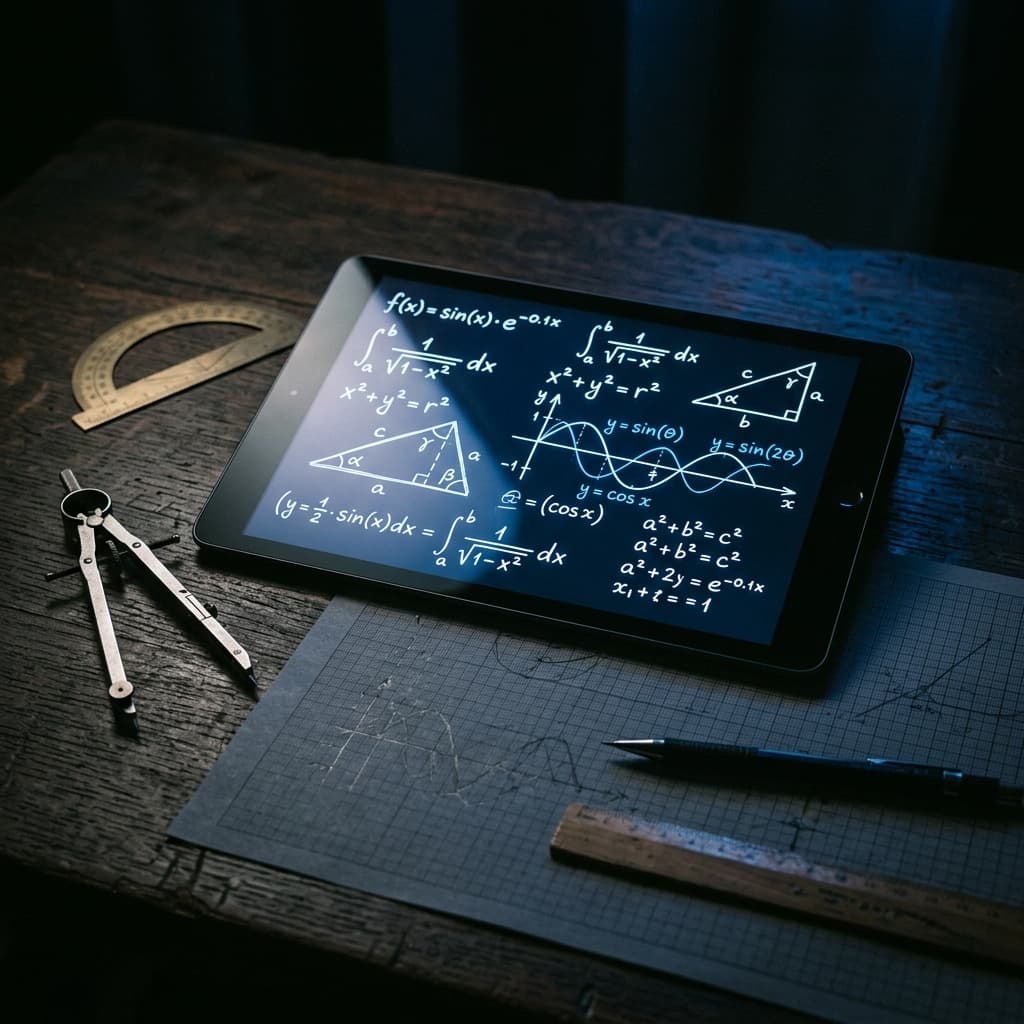
The Complete Math Toolkit
Mathematics is not a single subject — it is a collection of disciplines that each have different tools, notation, and problem-solving strategies. A student working through high school algebra needs different resources than a civil engineer computing load-bearing geometry or a physicist evaluating differential equations. What they all share is the need for fast, accurate computation that confirms their setup is correct and their answer is right.
The frustration most students feel with math is rarely about concept comprehension — it is about arithmetic errors that cascade through multi-step problems, turning a correct approach into a wrong answer. Calculators eliminate this friction. When computation is instant and verified, the mental energy that was going toward arithmetic goes toward understanding structure, recognizing patterns, and developing mathematical intuition.
ToolsACE provides a complete math calculator suite organized by discipline. This guide covers every tool and explains when each one is most useful — for students at every level and professionals who need reliable math on demand.
"A calculator does not replace mathematical understanding — it amplifies it. When you stop worrying about arithmetic, you start seeing the math."
Algebra & Equations
Algebra is the language of relationships between quantities. Every equation, inequality, and function you encounter in school or work can be understood as a statement about how variables relate to one another. The algebra toolkit covers the computational backbone of this entire domain.
Quadratic Equation Solver
Solves ax² + bx + c = 0 using the quadratic formula, displaying both real and complex roots with full working. Essential for algebra, physics kinematics, and optimization problems where you need to find where a parabola crosses zero.
Systems of Equations
Solves two or three simultaneous linear equations for all unknowns using substitution or elimination. Used in economics (supply/demand intersection), circuit analysis, and mixture problems where multiple constraints must be satisfied simultaneously.
The percentage calculator handles the three core percentage problem types that appear constantly in everyday math: finding a percentage of a number, finding what percentage one number is of another, and finding the original value given a percentage change. These three operations underlie discount pricing, tax calculations, grade weighting, and financial ratios.
For number theory problems, the GCF (greatest common factor) and LCM (least common multiple) calculators handle fraction simplification, scheduling coincidence problems, and algebraic factoring. The prime factorization calculator breaks any integer into its unique prime components — fundamental to number theory coursework and cryptography foundations.
Geometry & Measurement
Geometry calculators handle the spatial mathematics that appears in architecture, engineering, construction, and design. The key distinction between geometry tools is whether they compute area, perimeter/circumference, volume, or surface area — and for which shape.
- Area calculators: Available for circles, rectangles, triangles, trapezoids, parallelograms, and regular polygons. In construction and real estate, area calculations determine material quantities and price per square foot comparisons.
- Volume calculators: Spheres, cylinders, cones, pyramids, prisms, and composite shapes. Essential for fluid capacity, material fill estimation, and packaging design.
- Pythagorean theorem: Finds the missing side of any right triangle given the other two. Used in construction layout, navigation, and physics vector problems wherever perpendicular distances appear.
- Distance formula: Computes the straight-line distance between two coordinate points using the generalized Pythagorean theorem. Appears in coordinate geometry, mapping, and computer graphics.
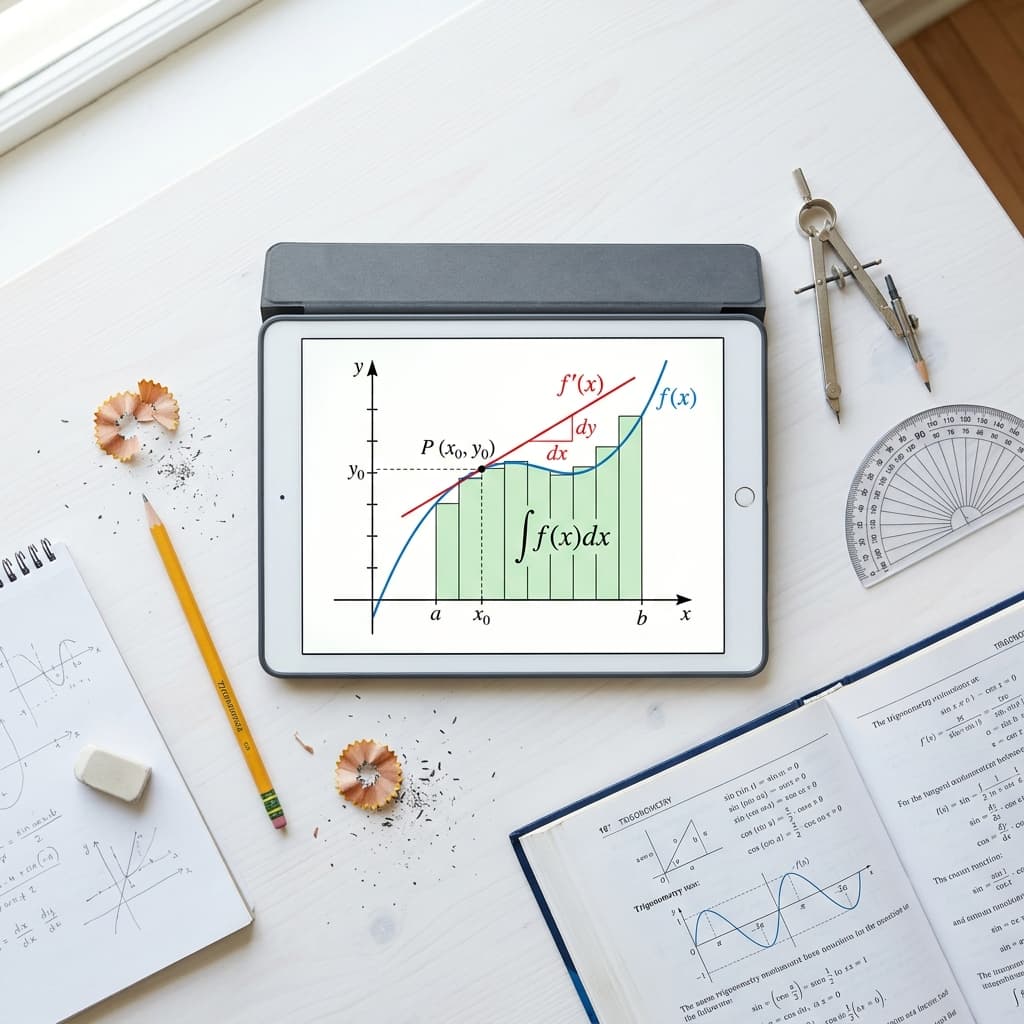
Calculus Tools
Calculus describes change and accumulation — the rate at which things change (derivatives) and the total amount accumulated over a range (integrals). It is the mathematical language of physics, engineering, economics, and data science. For students in these fields, calculus calculators provide immediate verification of hand-computed results and allow exploration of function behavior without getting stuck on integration techniques.
Calculus in Real Applications:
Derivatives used in
Physics velocity, acceleration, force
Integrals used in
Engineering area, volume, work, flux
The derivative calculator computes the instantaneous rate of change of a function at any point — the mathematical description of velocity, slope, and marginal cost. The integral calculator computes the area under a curve between two bounds, representing accumulated quantities like distance traveled, total revenue, or probability. Both tools show step-by-step working so students can verify their own calculus process rather than just checking the final answer.
Trigonometry
Trigonometry connects angles and side lengths in triangles and, by extension, describes periodic phenomena like waves, oscillations, and rotations. It is essential for physics, engineering, surveying, navigation, and computer graphics. The trigonometry calculator handles sine, cosine, and tangent functions in both degrees and radians, along with their inverses — arcsine, arccosine, and arctangent — for angle recovery problems.
The law of sines and law of cosines extend trigonometry to non-right triangles, making it possible to solve any triangle given any combination of three side lengths or angles. Surveyors use these laws to calculate property boundaries from angle measurements alone. Navigators use them to calculate distances between points when a direct measurement is impossible. The unit circle — which encodes the sine and cosine values for all standard angles — is available as a reference alongside the calculator for students learning the pattern structure of trigonometric functions.
Triangle Solver
Given any three elements (sides and/or angles) of a triangle, the triangle solver computes all remaining dimensions using the law of sines, law of cosines, and basic trigonometric ratios — with a visual diagram of the computed triangle.
Degree-Radian Converter
Converts between degree and radian angle measurement instantly. Radian mode is required for calculus-based trigonometry; degree mode is used in surveying and navigation. Many calculation errors come from working in the wrong mode — this converter eliminates the ambiguity.
Math Study Plan
Step 1: Identify Your Current Level
Locate yourself in the math curriculum: arithmetic and fractions, pre-algebra, algebra, geometry, pre-calculus, or calculus. Work the tools in order — algebraic fluency is prerequisite to trigonometry; trigonometry underpins calculus.
Step 2: Use Calculators to Check, Not Replace
Work problems by hand first, then verify with the calculator. When your answer disagrees with the tool, trace back through each step to find where the error occurred. This is faster and more instructive than reworking the problem from scratch.
Step 3: Explore Edge Cases
Use the tools to investigate what happens at the edges of function domains: what does sin(90°) equal, what happens to 1/x as x approaches zero, what does a negative discriminant mean in a quadratic. Exploration builds pattern recognition faster than repetitive problem sets.
Step 4: Apply to Real Problems
Link each calculator to a real-world application. Geometry area calculator — tile a floor. Compound interest formula — project retirement savings. Trigonometry — calculate the height of a building from angle and distance. Concrete applications reinforce retention better than abstract exercises.
FAQs
Are math calculators appropriate to use in school?
What is the difference between a derivative and an integral?
When should I use degrees vs. radians in trigonometry?
Author Spotlight
The ToolsACE Team
ToolsACE is an independent platform founded in 2023 by a team of software developers and educators committed to making precision tools accessible to everyone, for free.