Paste, import, filter
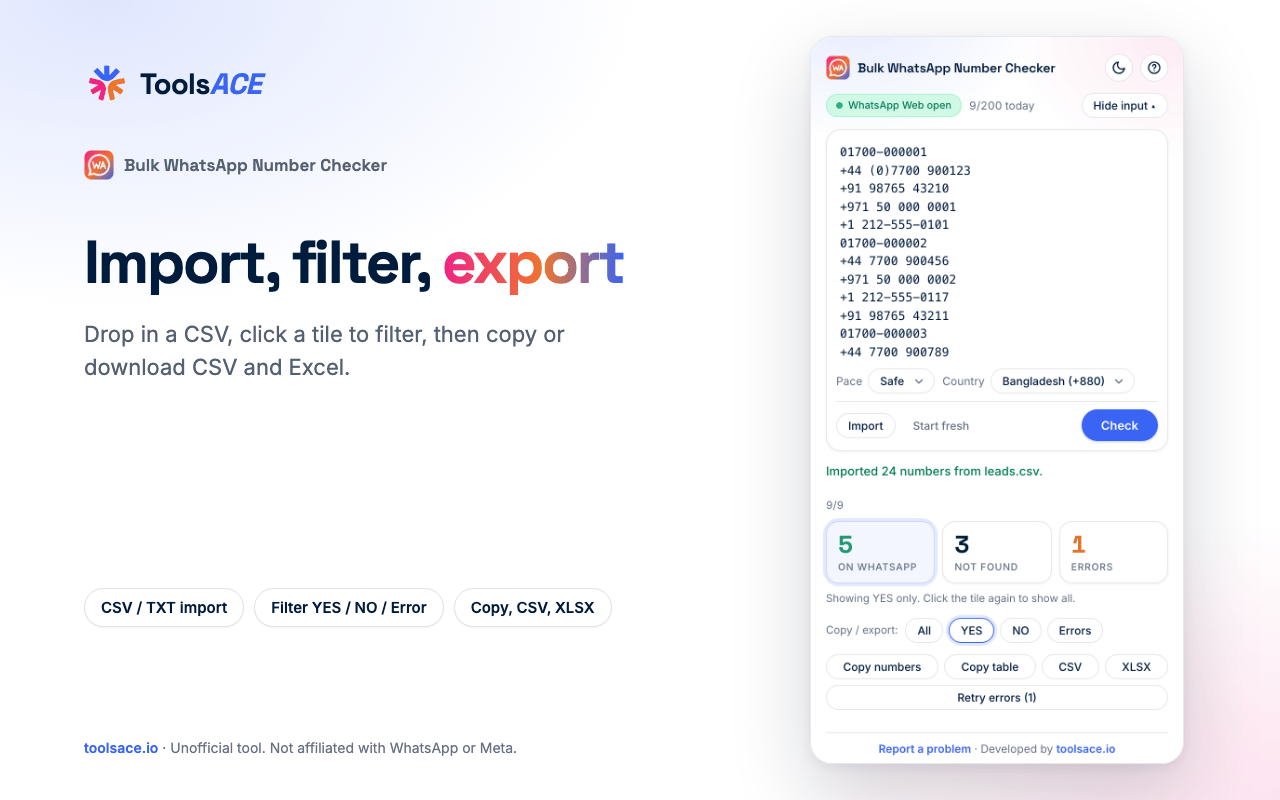
Paste a list or drag in a CSV / TXT file. Any country: write numbers with +country code, or pick a country from a searchable list (or let Auto-detect choose) for local numbers. Then show only YES, NO or Error rows.
 Bulk WhatsApp Number Checker (WA Checker) by ToolsACE
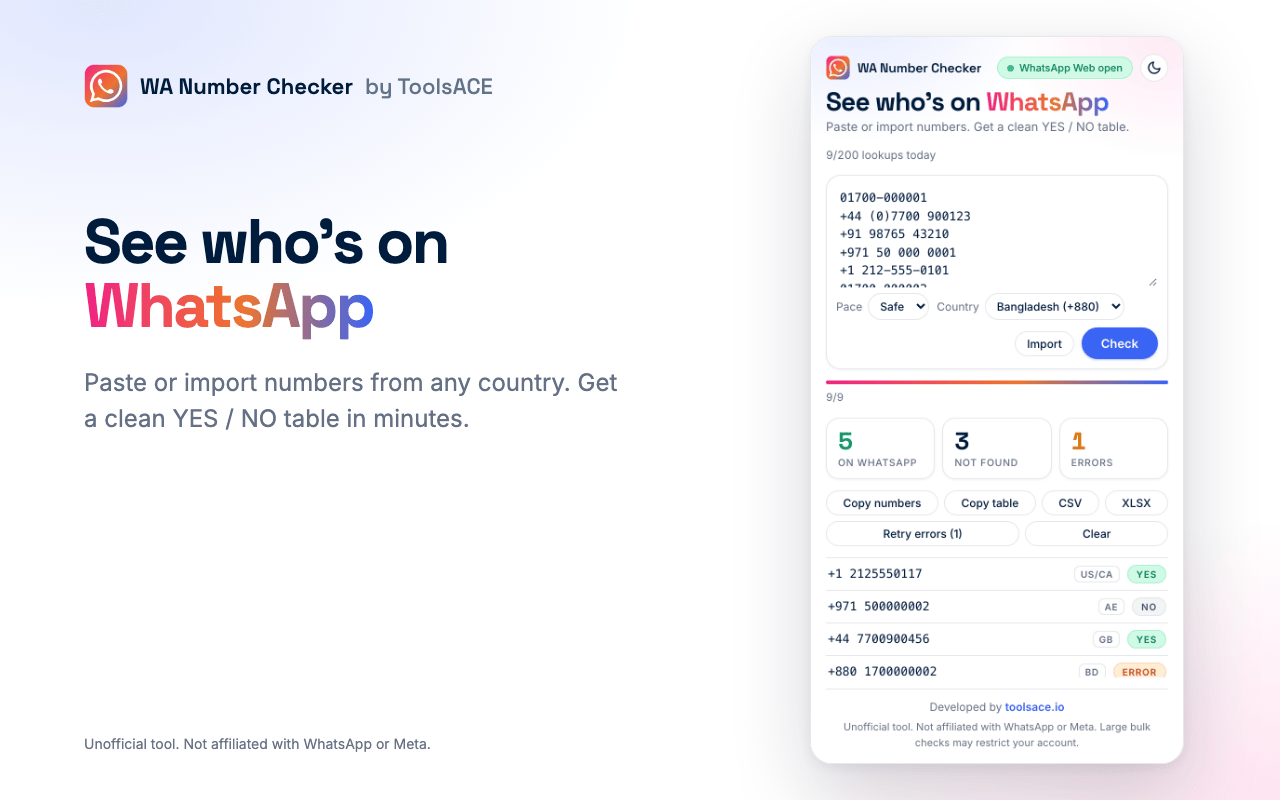
Paste or import a list of phone numbers and get a clean YES / NO table in minutes. A free Chrome extension that runs entirely in your browser.
How it works
Log in at web.whatsapp.com as you normally do.
Click the extension icon. The checker opens right next to WhatsApp Web.
Paste numbers, or drop a CSV / TXT file, then press Check.
Every number comes back YES or NO. Choose All, YES or NO, then copy it or download CSV / Excel.
Watch the whole flow in under a minute, from paste to export, in light and dark.
Features
Paste a list or drag in a CSV / TXT file. Any country: write numbers with +country code, or pick a country from a searchable list (or let Auto-detect choose) for local numbers. Then show only YES, NO or Error rows.
Slow, Safe and Fast presets space out lookups. Pause, resume and retry errors.
Pick All, YES, NO or Errors, then copy the numbers or a table for Sheets / Excel, or download CSV and XLSX.
A YES is remembered for 7 days and a NO for 1 day, so the same number is not looked up twice.
No servers, no analytics, no tracking. Lookups run through your own WhatsApp Web session, so your list stays on your machine.
Stop mid-list and pick up where you left off.
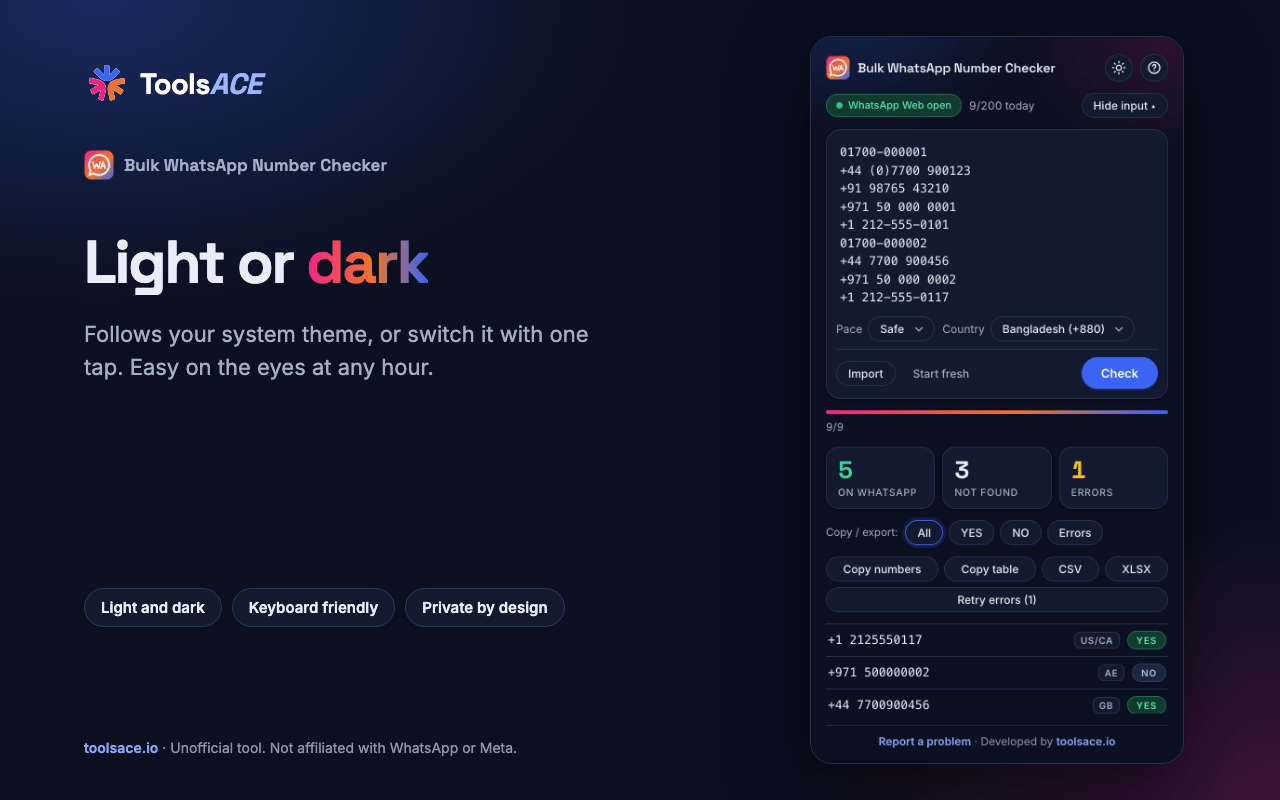
Follows your system theme. One button in the header switches, and the choice is remembered.
Launching soon
Soon. It is being submitted to the Chrome Web Store. Message us on WhatsApp and we will tell you the moment it is live.
Yes. It is free to use, with a daily safety limit of 200 lookups.
Yes. Above the Copy, CSV and XLSX buttons, choose YES (or All, NO, Errors) and only those rows are copied or downloaded.
Yes. It follows your system setting, and a button in the header switches between light and dark and remembers your choice.
No. We have no servers. Your numbers are checked through your own WhatsApp Web session and stay in your browser.
Checking many numbers in a short time may cause WhatsApp to restrict an account. Keep the Safe pace and the daily limit, and use the tool at your own risk.
No. This is an unofficial tool and is not affiliated with, endorsed by or sponsored by WhatsApp or Meta.
Chrome 114 or newer, and other Chromium browsers that support the side panel.
Bulk WhatsApp Number Checker (WA Checker) by ToolsACE is an unofficial tool, not affiliated with WhatsApp or Meta. Read the privacy policy. Built by ToolsACE.