Scrapes every page
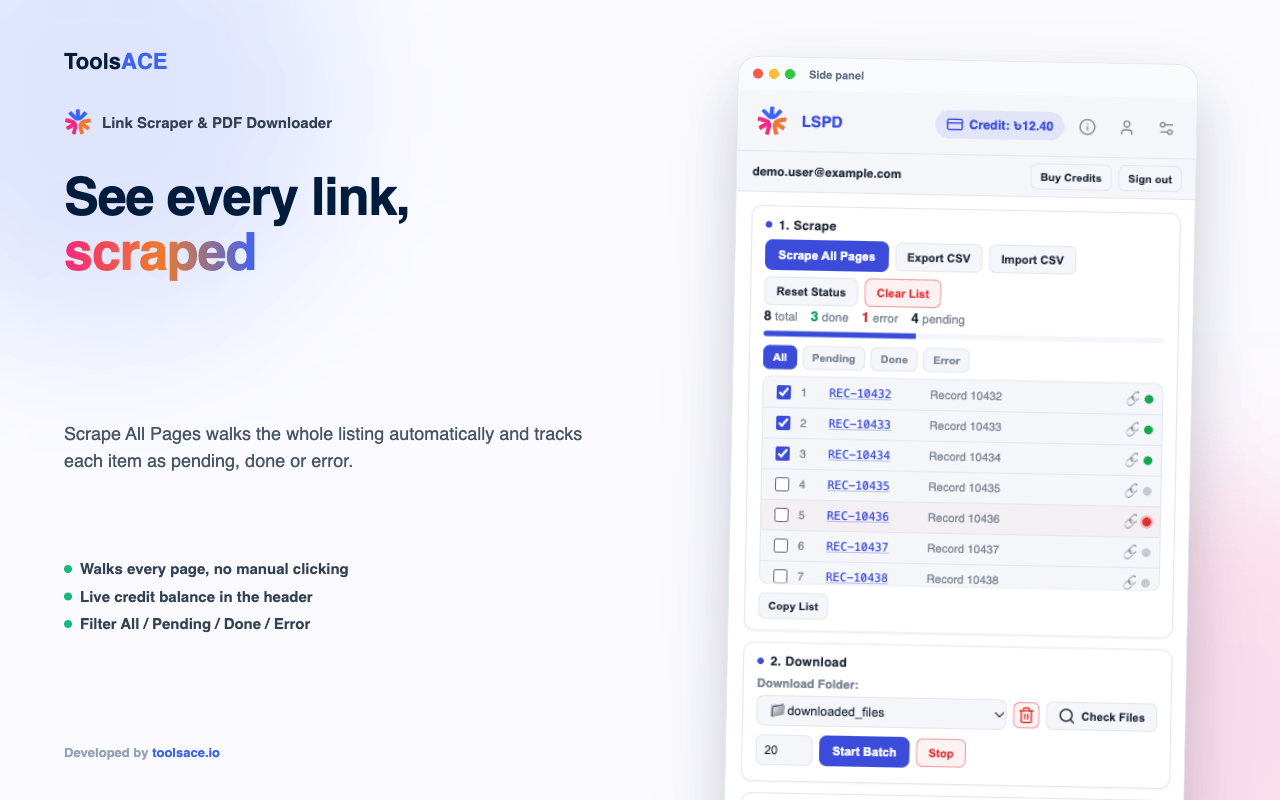
Walks every page of a listing automatically and collects every link — no manual clicking through pages.

Scrape every link on a listing page you’re already logged into, then bulk-download every file straight to a folder in your Downloads. Runs in Chrome’s side panel, right next to the page you’re working on.
How it works
Log in and open the listing page you want to scrape, in your own browser, as you normally would.
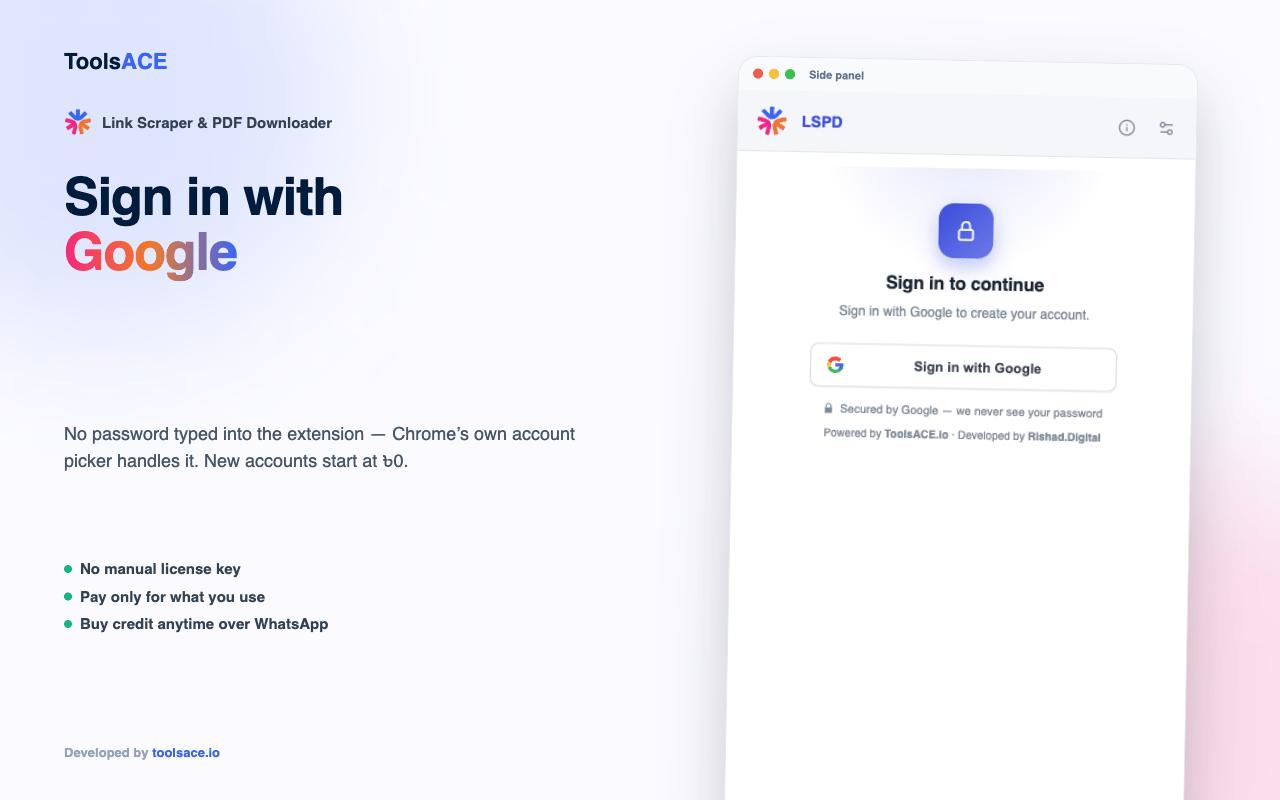
Click the extension icon to open the side panel, then sign in. No password is typed into the extension — Chrome’s own account picker handles it.
Press "Scrape All Pages" and it walks every page of the listing, collecting every link.
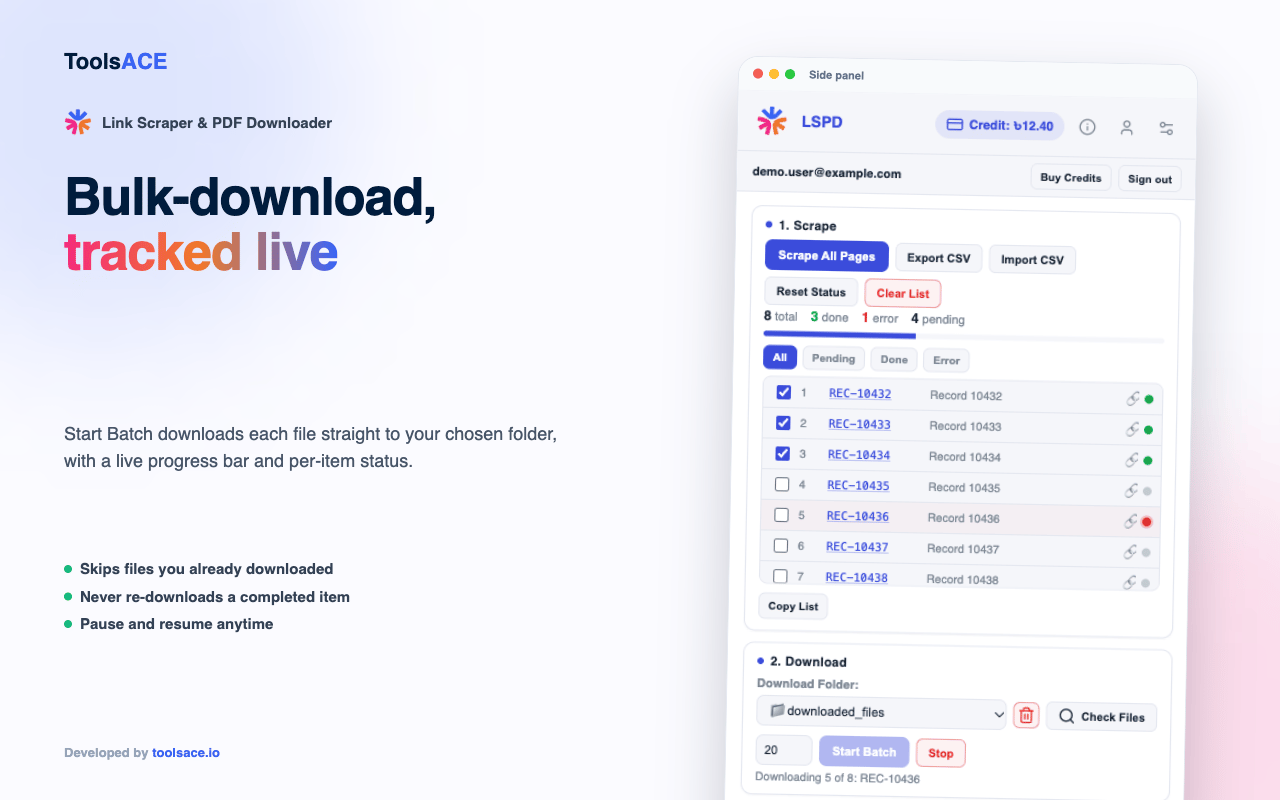
Pick or create a Downloads folder, set a batch size, and press "Start Batch". Each file is tracked pending, done or error.
Features
Walks every page of a listing automatically and collects every link — no manual clicking through pages.
Downloads the whole list into a folder you choose, with a live progress bar and a pending / done / error status per file.
Checks your existing Downloads first, so a batch skips files you already have on this device.
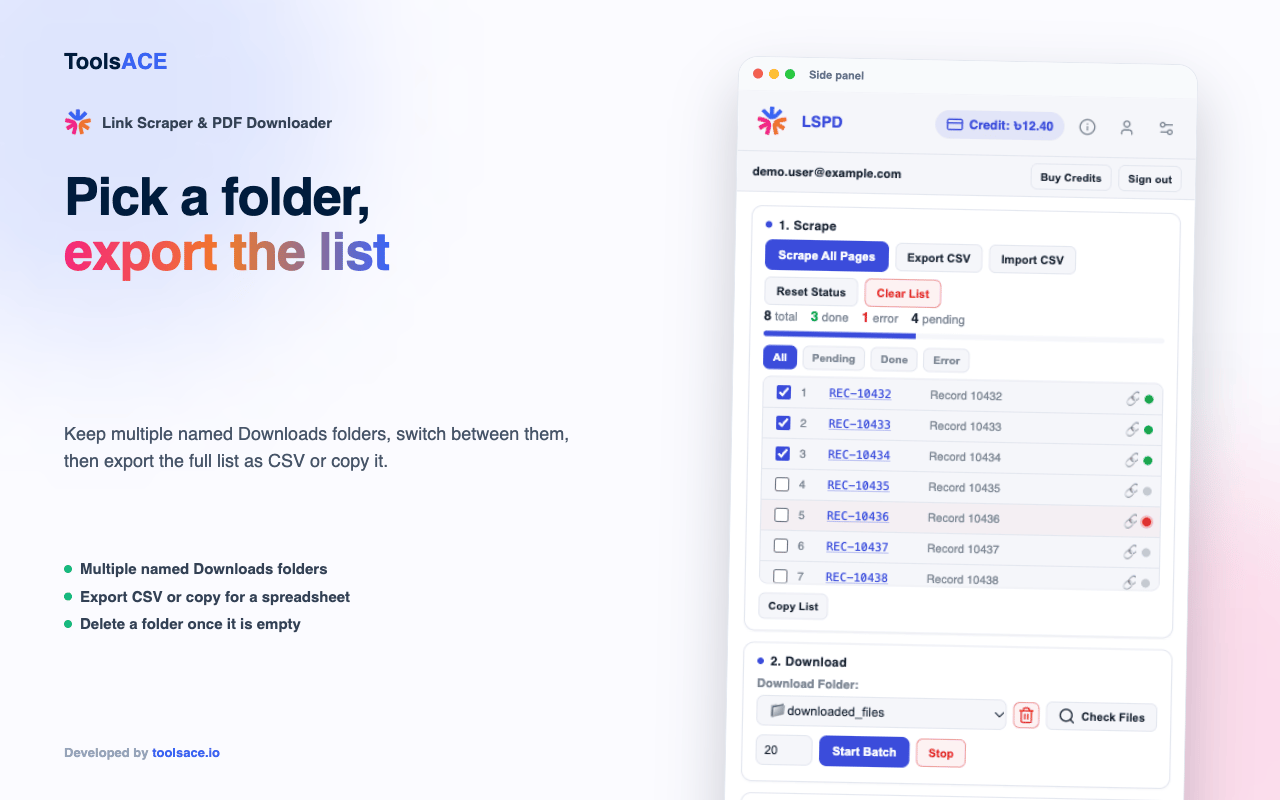
Filter by All / Pending / Done / Error, then export the list as CSV or copy it straight into a spreadsheet.
Keep separate named Downloads folders for different listings, and switch or delete them from one dropdown.
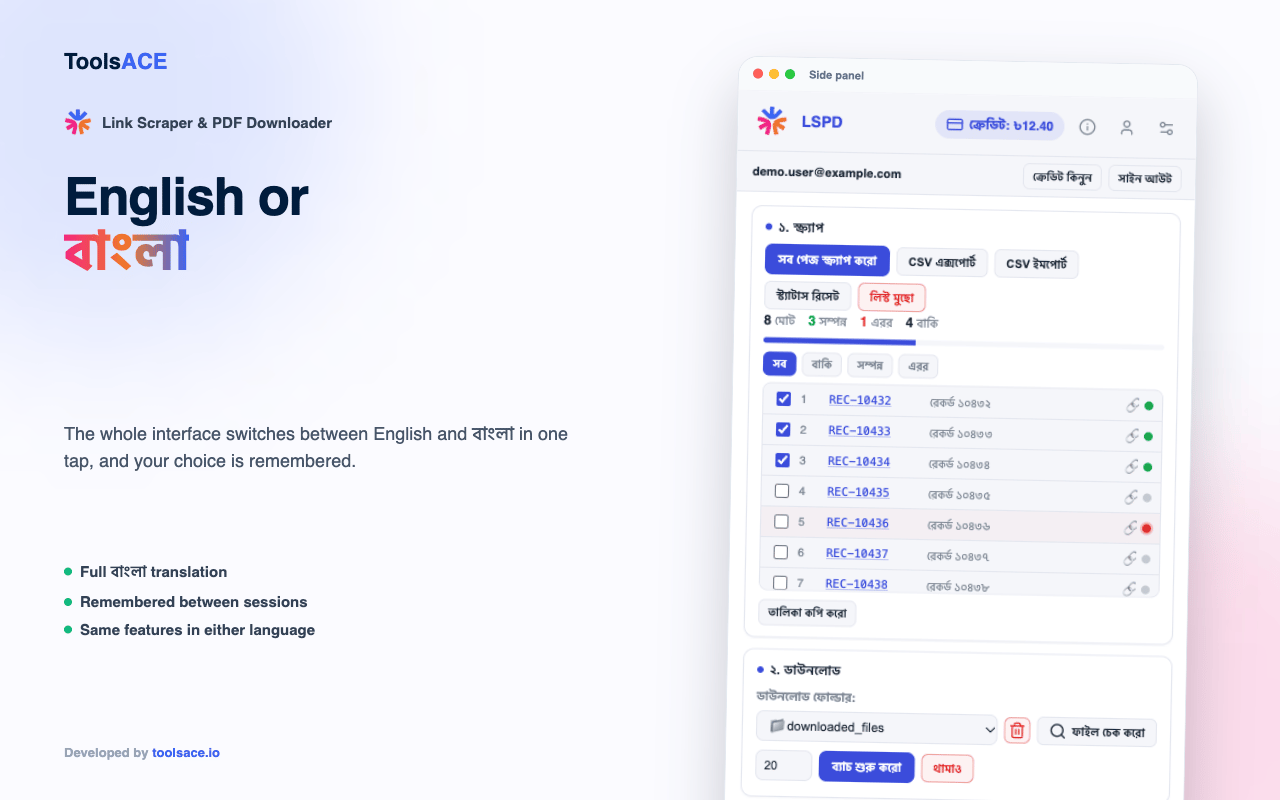
A bilingual side panel with one toggle, remembered between sessions.
If your balance runs out mid-batch, top up and press "Continue Scraping" — it resumes the rows it already found instead of re-crawling from the top.
Every charge carries an idempotency key, so a flaky retry or an accidental double-click can’t charge the same action twice.
Screenshots
Where your data actually goes
Scraped links and downloaded files are read from your own logged-in tab and saved straight to your own Downloads folder — they are never uploaded anywhere. Signing in is the one exception: it talks to our own server, on purpose, to run the credit system.
The listing page
Scraped and read in your own tab
Your browser
Side panel, pending / done status
Your Downloads folder
Saved once, never re-downloaded
Never sent to our server
The scraped links, the downloaded files, or anything read from the listing page itself.
Sent to our server, on purpose
Your Google sign-in email, a random device ID, and the credit charges for the sign-in and credit system.
Who it is for
Any listing page with dozens of linked files turns into one batch instead of one-by-one clicks.
Pull every attached file from a portal you already use for work, without hand-copying each link.
Save a full copy of every linked file into an organized folder, with a status table for what is already done.
Scrape the listing once, then let the batch downloader click through the rest for you.
Why not do it by hand
| Topic | By hand | Link Scraper & PDF Downloader |
|---|---|---|
| Many linked files | Click, wait, Save As, repeat for every link | Scrape once, then batch-download the whole list |
| Tracking progress | You remember what you already got | Pending / Done / Error status per file, never re-downloaded |
| Getting the list out | Copy links by hand into a spreadsheet | Copy, or export CSV, filtered to what you need |
| Running low mid-batch | Start over from the top | "Continue Scraping" resumes exactly where it stopped |
| Where your files go | Wherever you happened to save them | One folder you choose, every time |
Launching soon
Version 1.1.0. Works in Chrome 116 or newer.
No — this one is paid per use: ৳ 0.15 per link scraped and ৳ 0.35 per file downloaded, charged from a credit balance you top up over WhatsApp. New accounts start at ৳ 0.
Signing in with Google creates your credit account on our own server and nothing else — no password is typed into the extension, Chrome’s own account picker handles it.
No. They are read from your own logged-in browser tab and saved straight to your own Downloads folder. Only your Google email and a device ID are sent to our server, to track your account and credit balance.
No — it is scoped to one specific listing page, declared in the extension’s own permissions. It is not a general-purpose scraper for the whole web.
No. This is an independent tool and is not affiliated with, endorsed by or sponsored by any website it is used with, or by Google. You are solely responsible for complying with that website’s terms of use.
Yes — the side panel has an English / বাংলা toggle, and it remembers your choice between sessions.
It charges and saves as many rows as your balance covers, and keeps the rest as pending. Top up, then press "Continue Scraping" to pick up exactly where it stopped — no re-scraping from the top.
Chrome 116 or newer, and other Chromium browsers that support the side panel.
Read the privacy policy. Built by ToolsACE.

